GPS Doodle

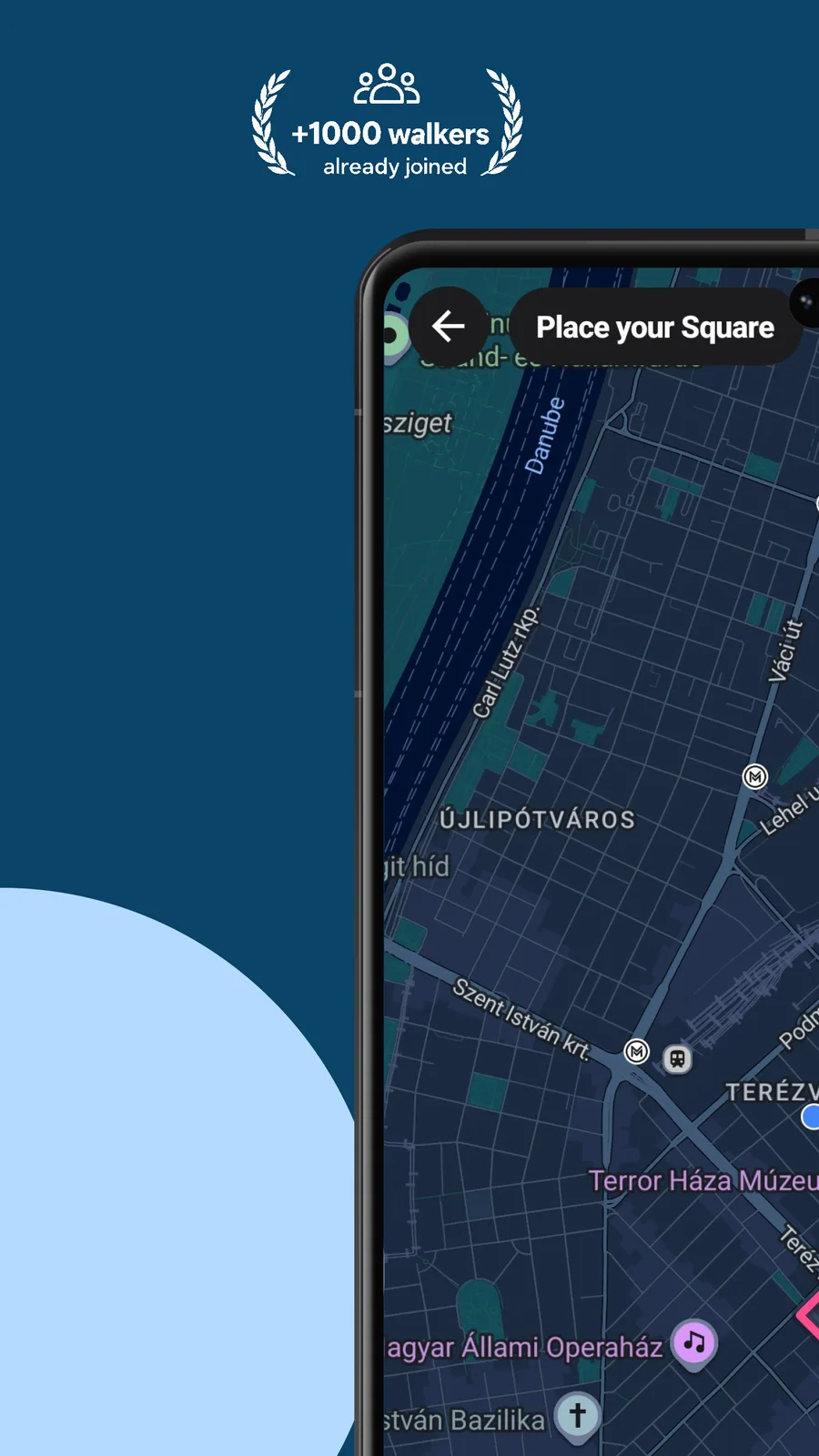
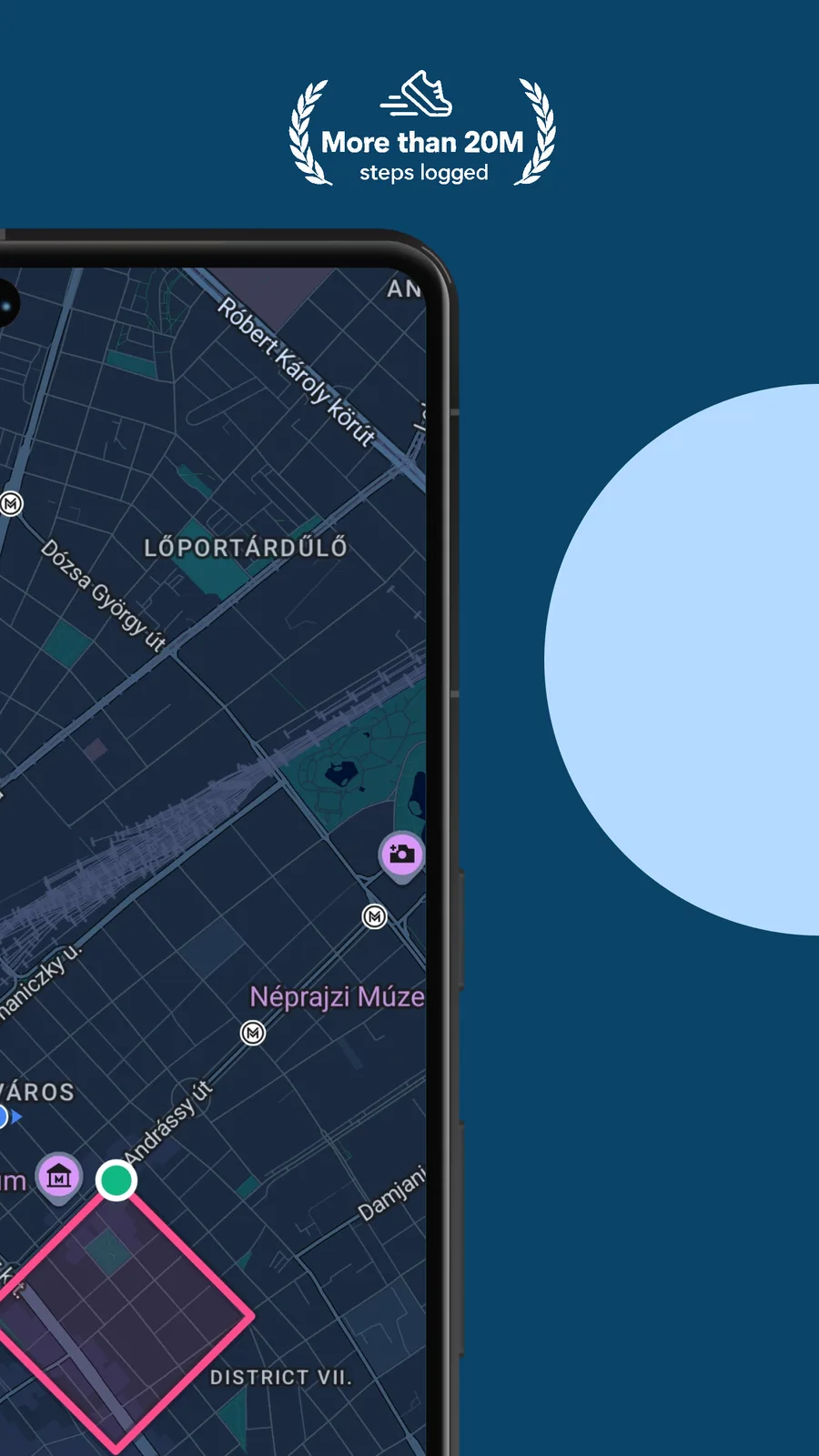
Pick a shape, place it on the map and walk it. Your GPS line is the drawing.




How you play GPS Doodle
Choose a shape, fit it to real streets, then walk the loop. The closer your line, the better the match.
Choose a shape
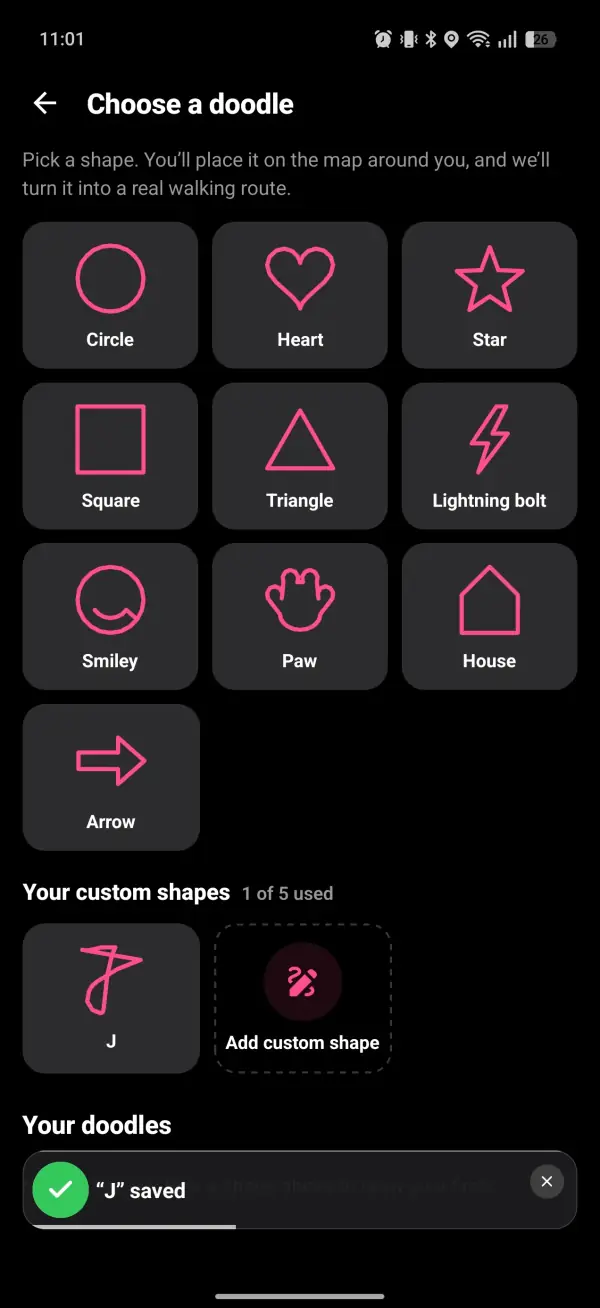
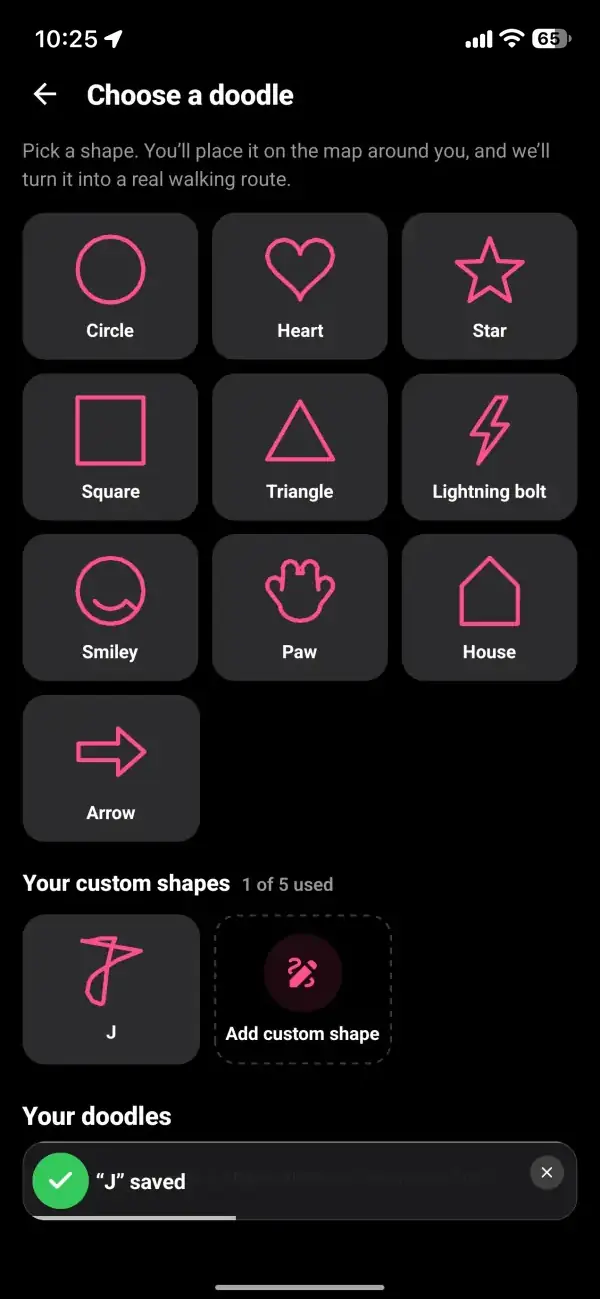
Open Doodle from the games menu and pick from ten shapes: a circle, a heart, a star, a square, a triangle, a lightning bolt, a smiley, a paw, a house or an arrow. Or sketch your own on the drawing pad and save it as a custom shape.
Place it on the map
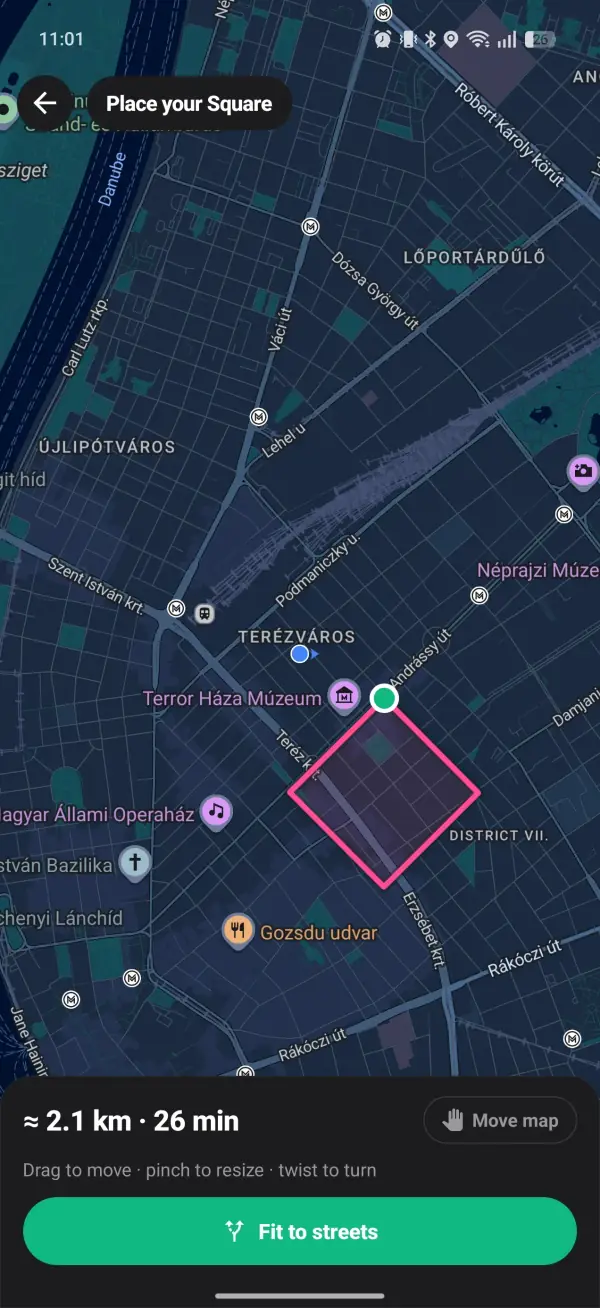
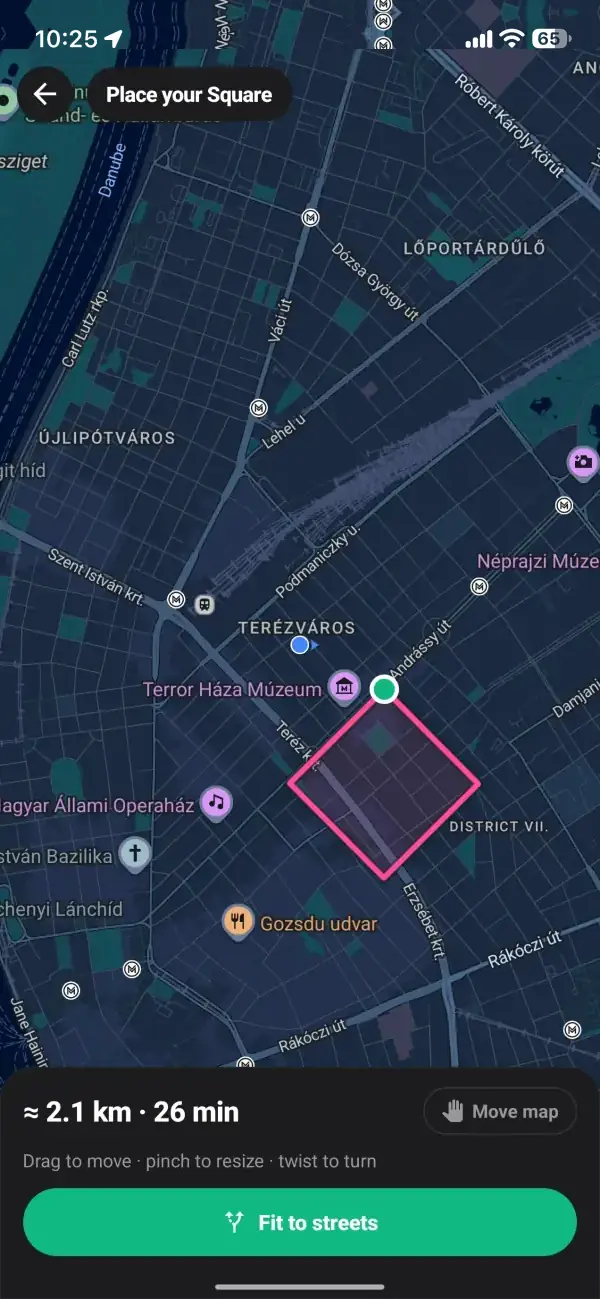
Drop the shape on the map around you. Drag to move it, pinch to resize it and twist to turn it. A readout shows roughly how far it is and how long it will take, and shapes run from 1 km up to 10 km.
Fit it to the streets
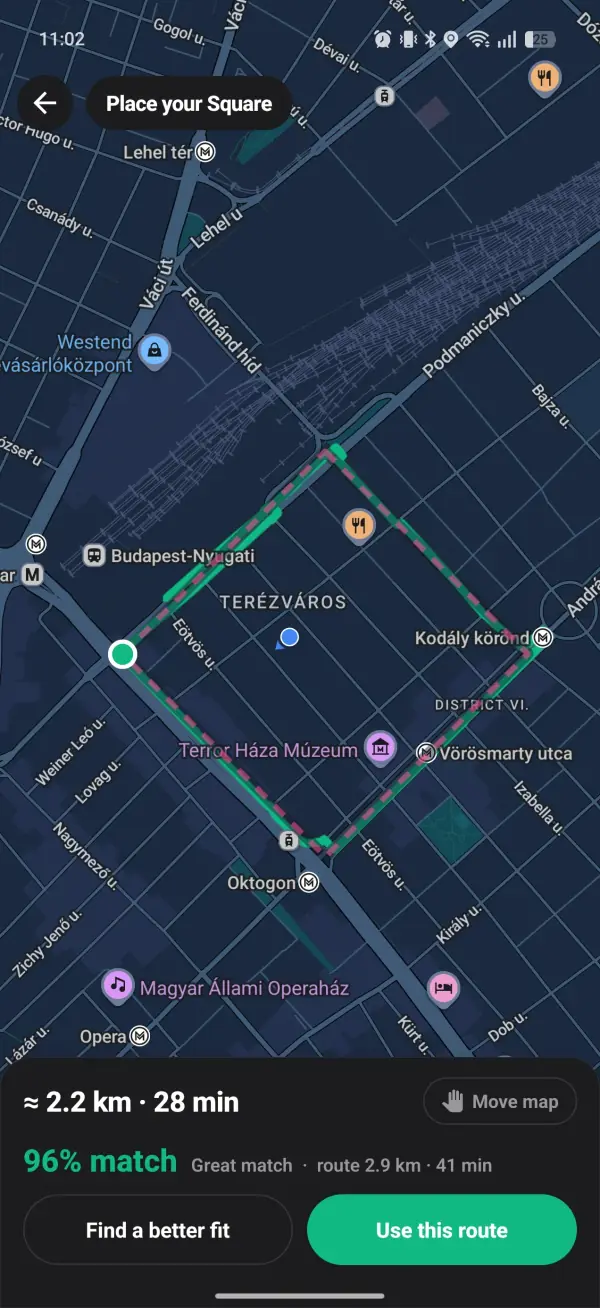
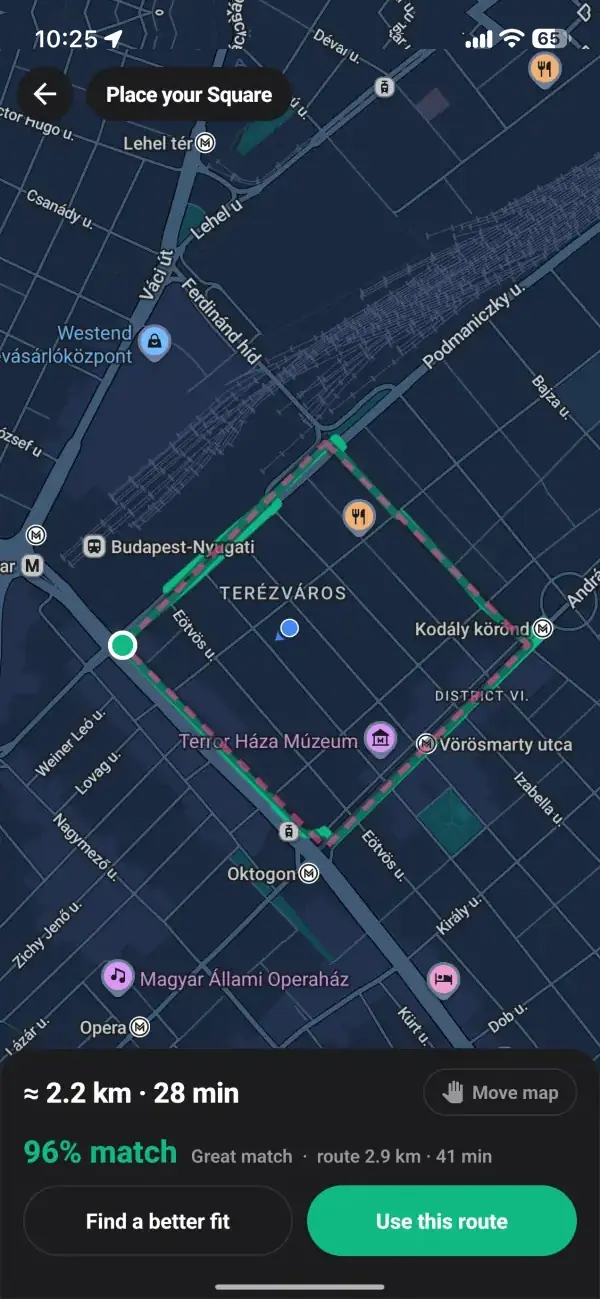
Tap Fit to streets and the app turns your shape into a real walking loop, then tells you how close it is: Great match, Pretty close, or Rough, try moving it. Nudge the shape and fit it again until you like it, then use the route and schedule it as a walk.
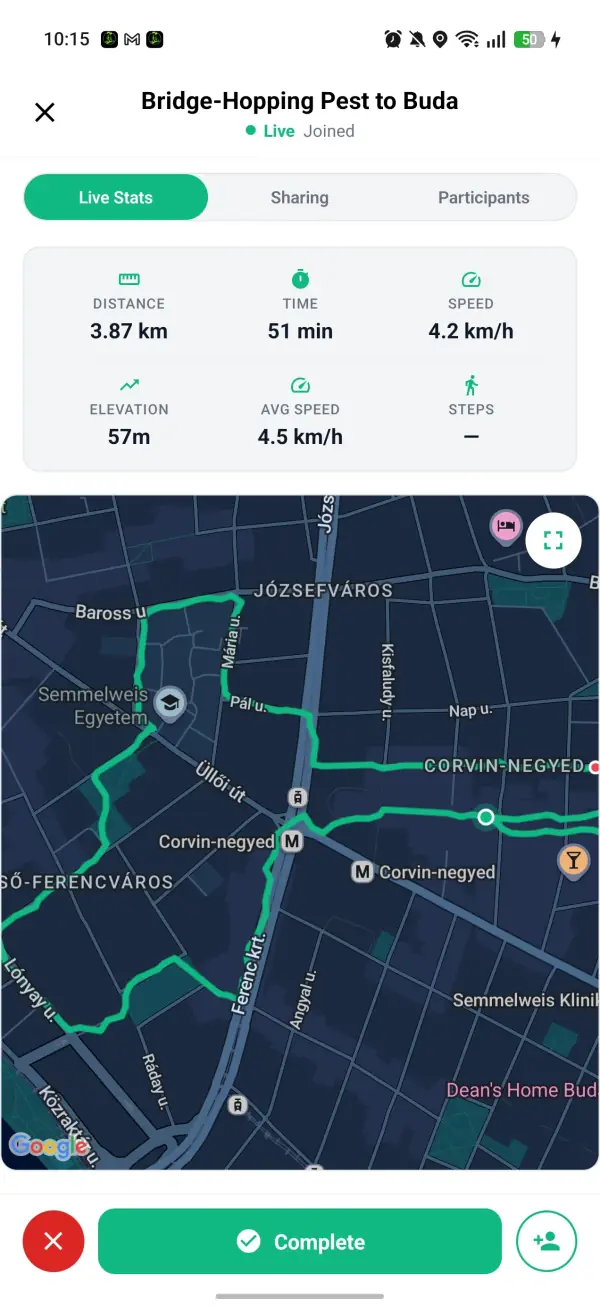
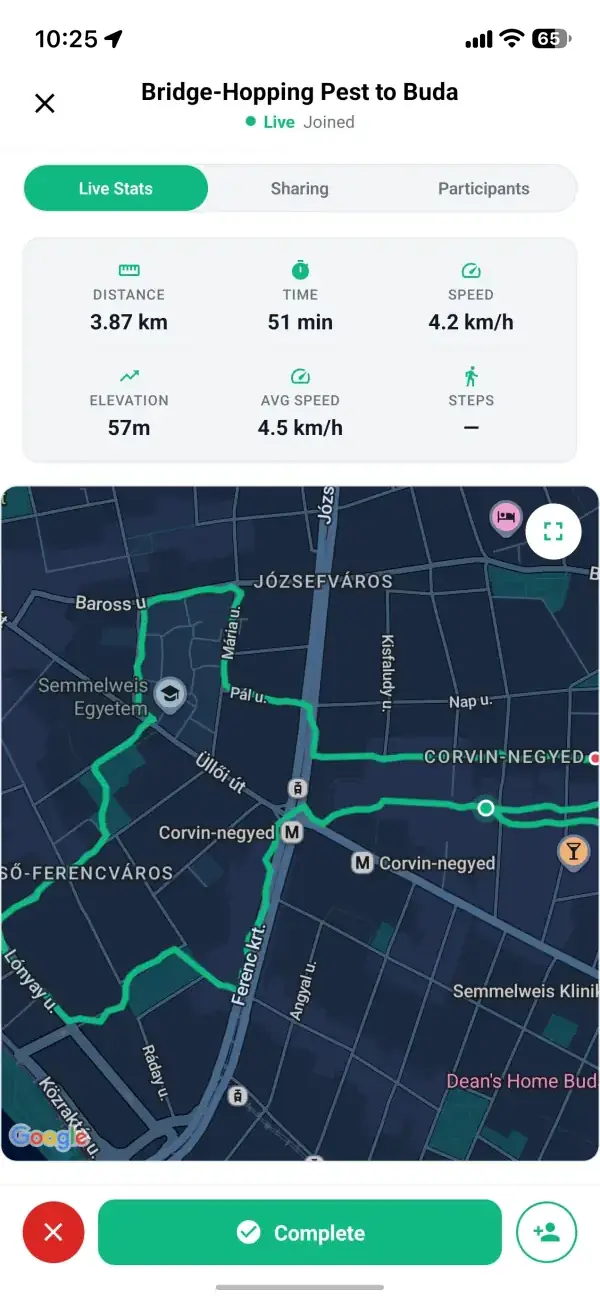
Walk your drawing
On the walk, the Doodle tab shows your trail over the shape and how much of it you've done. When you finish, the walk report puts the shape next to what you drew, with your match score and a button to share it.
Rules and fair play
GPS Doodle scores the line you actually walk, so shortcuts show.
- Your match score runs from 0 to 100% and compares your trail with the shape both ways, so walking half the heart scores low.
- Finishing a doodle walk earns 40 XP, and a match of 70% or better adds 20 more.
- There's no XP if your trail is shorter than half the shape, or if the walk was flagged for moving faster than walking pace.
- XP goes to the person who created the doodle walk, once per walk. Anyone walking with them can follow the drawing on the Doodle tab.
- Custom shapes: one slot on the free plan and five on Premium. Every sketch gets an automatic image check before it's saved.
- On the free plan each doodle walk uses one of your six weekly game starts, shared across all the games. Placing and fitting a shape is free, and Premium has no limit.
Keep Exploring
More walking game ideas
Games and ideas to take on your next walk, with or without the app.
GPS Doodle Tips: How to Get a Higher Match Score
GPS Doodle is live in Walking Games. My tips for a higher match score: choosing the shape and the streets, sizing it right and walking every corner. Read the full guide
Mystery Destination Tips: How to Find All Three Spots Faster
Mystery Destination is live in Walking Games. My tips for solving it faster: reading the compass, trusting the warmth bands and choosing where to start. Read the full guide
How to plan a GPS drawing that comes out right
GPS Doodle is a walking game where you place a shape on the map and the route you walk draws it. The app fits the shape to real streets first, so you know how close the drawing will come out before you set off.
Streets decide what you can draw. In a city laid out on a grid, a square or a house almost draws itself, while a circle comes out as a staircase. In an old town of winding lanes it's the other way round: curves look natural and straight sides break at every bend. Rivers, railway lines and parks without paths leave gaps the line has to go around. That's why where you put the shape matters as much as which one you pick: slide it a couple of blocks or turn it a little, fit it again, and a Rough result can become a Pretty close one.
It suits people who like having something to show for a walk. The finished picture is something to send, which makes it a gentle way to get someone walking who isn't moved by step counts, and a good excuse for a walk with kids who want to watch a paw print appear on the map. A doodle is a walk in the app, so friends can come along and see the line grow on their own phones.
GPS Doodle is in the free Walking Games app for iPhone and Android. Placing a shape and fitting it to the streets costs nothing, so you can try ideas as often as you like; walking one uses one of the free plan's six weekly game starts, and Premium has no limit. Start with a simple shape near home to see how your streets draw before you plan a big one.